Bulk Message Multiple Pupils
Send announcements or updates to multiple pupils at once.
——— ••• ———
Here's how to send a message to a group of pupils at once using Broadcasts.
Step 1: Open Broadcasts
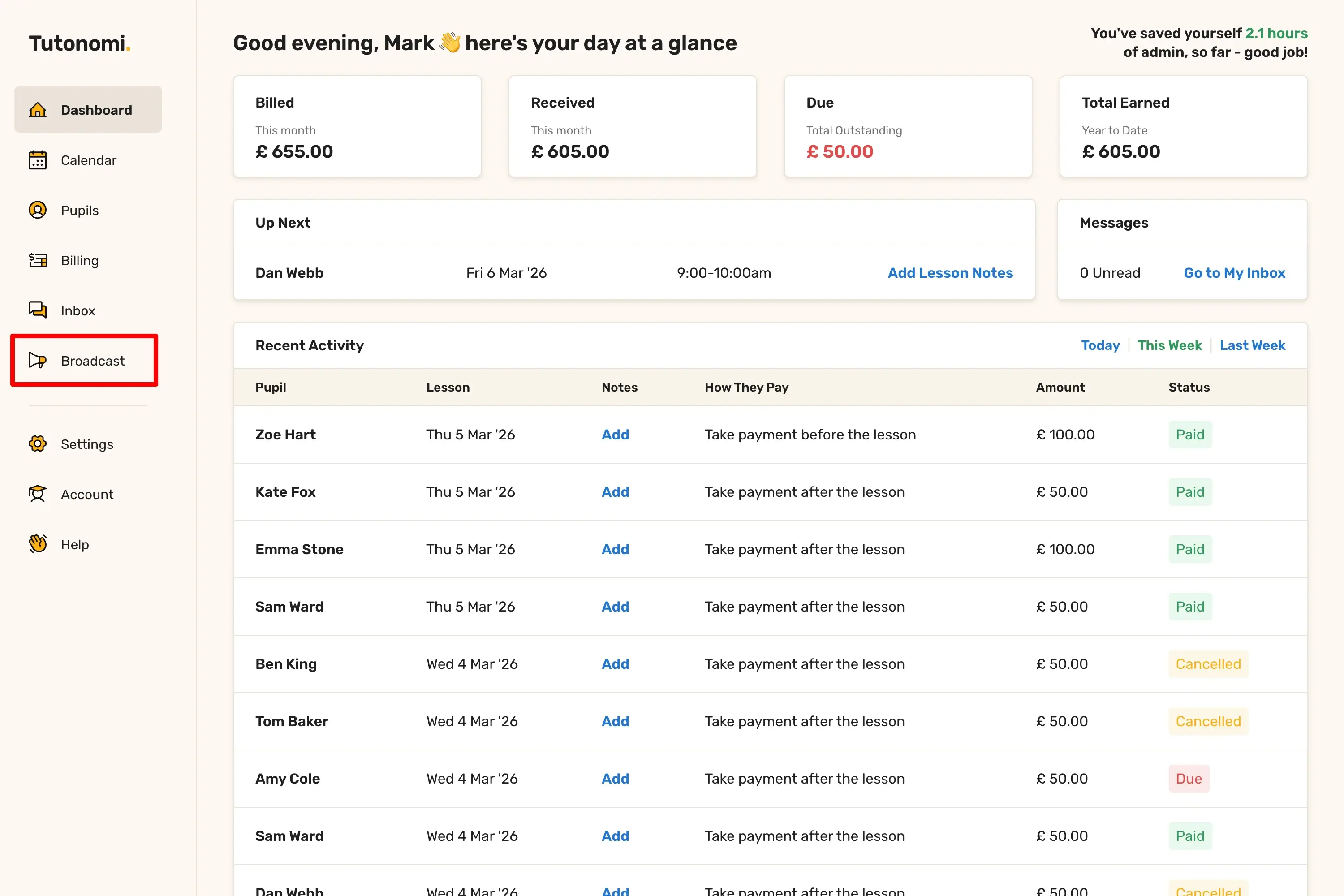
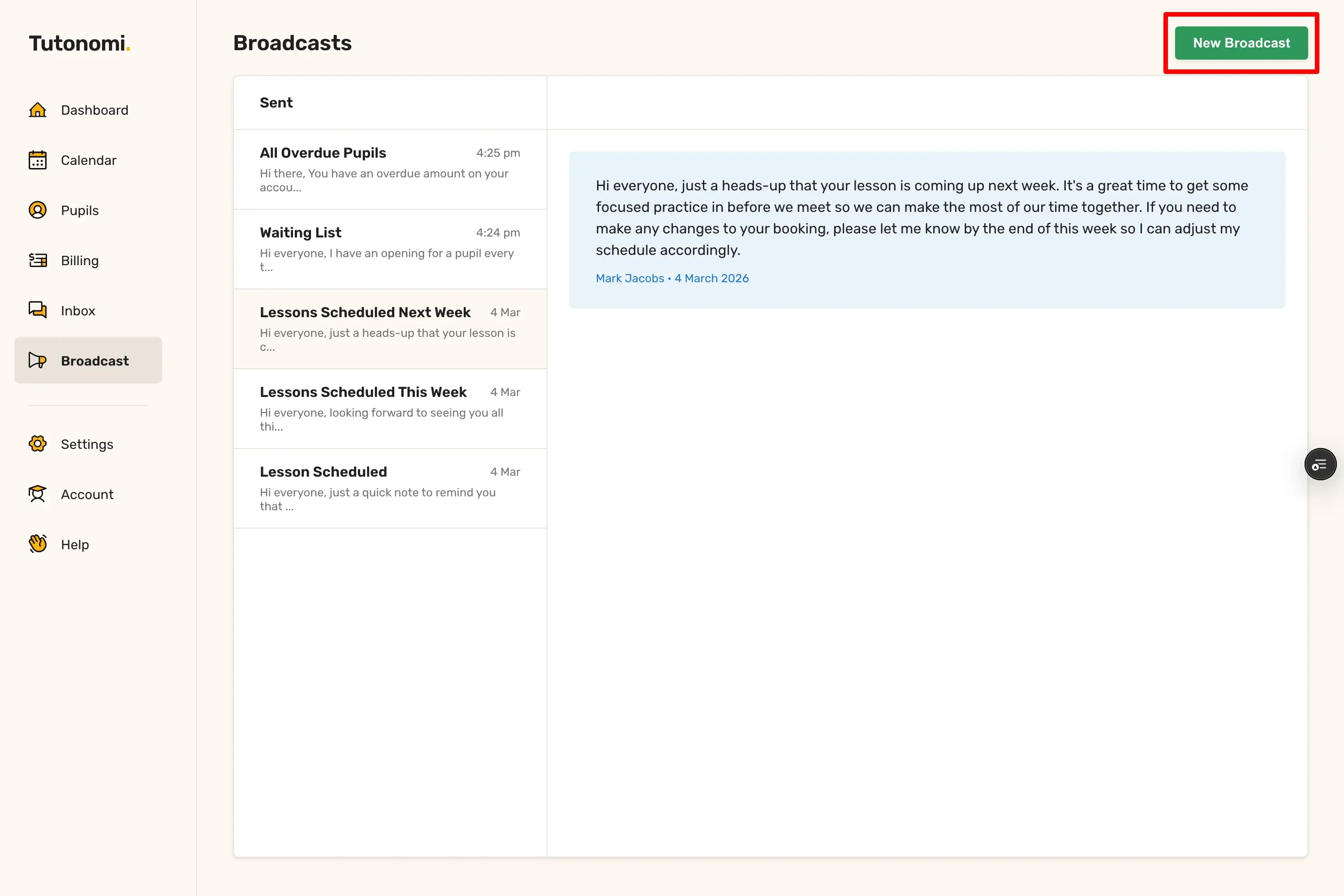
From the left-hand menu, click Broadcast, then click New Broadcast in the top right corner.
Step 2: Write your message
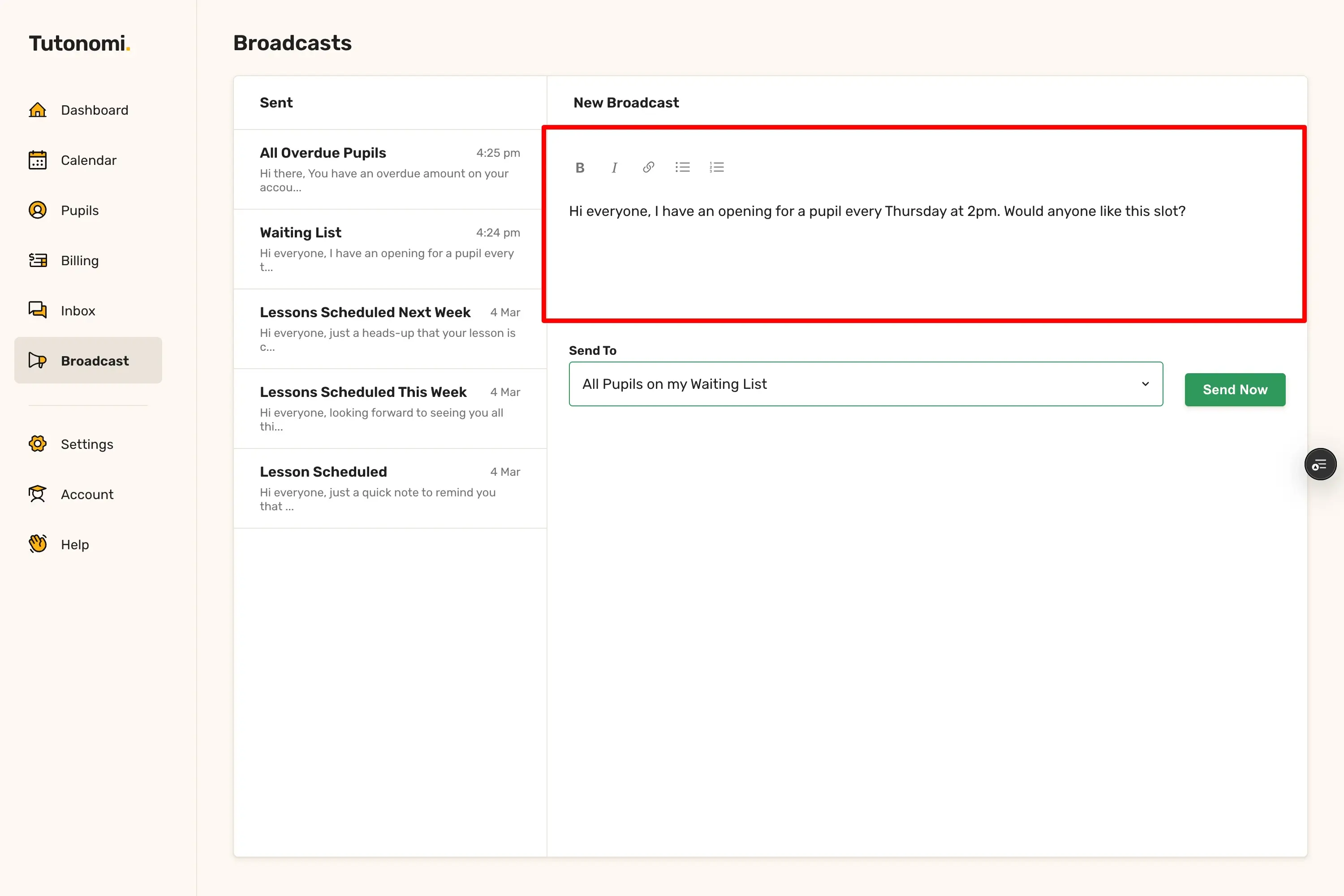
Type your message in the compose area. You can use the formatting toolbar to add bold, italic, links, or lists.
Step 3: Choose who to send it to
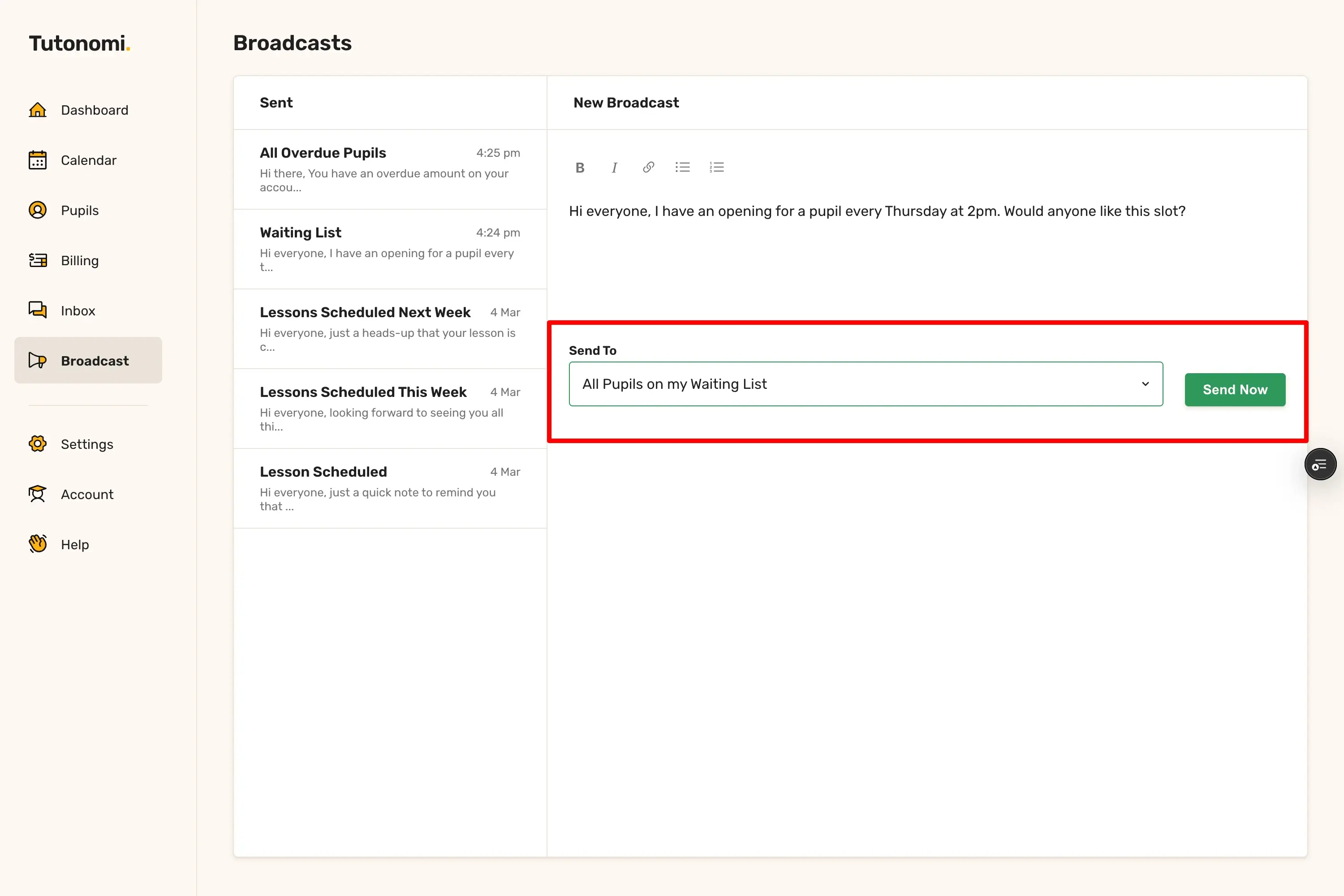
Use the Send To dropdown to select your audience. The options are:
All Pupils with Lesson Scheduled
Pupils With Lessons Scheduled This Week
Pupils With Lessons Scheduled Next Week
All Overdue Pupils
All Pupils on my Waiting List
Step 4: Send the broadcast
Click Send Now. The message is sent immediately to everyone in the selected group.
Good to know
Broadcasts are one-way — pupils receive the message as an email but any replies come back to your Inbox as individual conversations, not to the Broadcast section.
Sent broadcasts are saved in the left-hand panel so you can refer back to what was sent and when.
If you want to message a single pupil rather than a group, use the Inbox instead.
Need a hand? 👋
If this hasn’t fully answered your question, we’re always here to help!
Send us a message and we’ll get back to you quickly — usually within an hour (9am-6pm UTC).
I simply love it
Saves me 5 hours a week
It’s free!
I have more family time now
My schedule is crystal clear
I spend more time earning (or relaxing!)
Now I get paid on time, every time
I highly recommend this app!